

Disclosure: This article contains affiliate links. If you purchase Jotform through one of the links in this article, I may earn a commission at no additional cost to you. I only recommend products I believe provide real value based on my experience.
—
Running a small business means wearing a lot of hats. You’re answering emails, scheduling appointments, collecting payments, managing leads, onboarding clients, and trying to keep everything organized. The last thing you need is a form builder that creates more work instead of saving you time.
That is why I continue to recommend Jotform.
I have been using Jotform since 2020. During the COVID-19 pandemic, our team needed a better way to manage lab testing and internal logistics. Paper forms, spreadsheets, and long email chains were slowing us down. We needed a system that could collect information accurately, keep everything organized, and make it easier for our team to work together.
Jotform became that solution.
What started as a tool to solve an immediate challenge has become one of the platforms I still rely on today. Since then, I have used it to build client onboarding forms, event registrations, surveys, payment forms, appointment requests, file upload forms, and many other business workflows.
If you’re wondering whether Jotform is worth paying for, my short answer is yes.
What keeps me coming back is not just how easy it is to build forms. It’s what happens after someone clicks Submit.
The frontend is clean, professional, and incredibly easy to use. Creating forms requires little effort, and customers can complete them from almost any device without confusion or frustration.
The backend is where Jotform really shines.
Every form can become part of an automated process. Instead of simply collecting information, you can send confirmation emails, notify team members, generate PDFs, collect payments, organize file uploads, trigger approval workflows, and connect submissions to the other tools your business uses every day.
For me, that is what separates Jotform from many other online form builders. It doesn’t just help you create forms. It helps you build better business processes.
Throughout this review, I’ll share how I’ve used Jotform over the past six years, what I like most about the platform, where I think it could improve, and whether I believe it’s the right choice for your small business.
Want to see what Jotform can do? You can create a free Jotform account here.
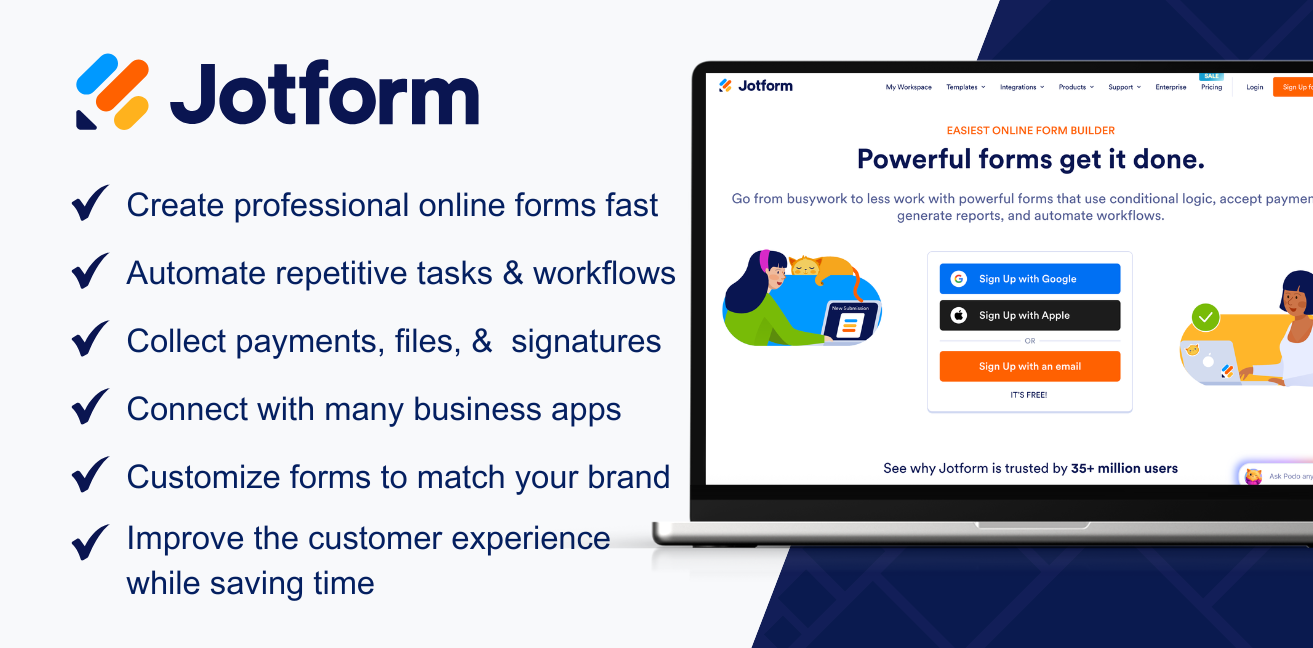
Quick Verdict
If you’re short on time, here’s my opinion.
Jotform is one of the best form builders available for small businesses. It combines an easy-to-use drag-and-drop builder with powerful automation tools that help you save time, stay organized, and create a better experience for your customers.
My Overall Rating
| Category | Rating |
|---|---|
| Ease of Use | ⭐⭐⭐⭐⭐ |
| Design & Templates | ⭐⭐⭐⭐⭐ |
| Features | ⭐⭐⭐⭐⭐ |
| Automation | ⭐⭐⭐⭐⭐ |
| Integrations | ⭐⭐⭐⭐⭐ |
| Customer Experience | ⭐⭐⭐⭐⭐ |
| Value for Small Businesses | ⭐⭐⭐⭐⭐ |
Overall Rating: 4.9/5
No software is perfect, and I’ll cover a few areas where I think Jotform could improve later in this review. Even so, it remains one of the first tools I recommend to small businesses looking to simplify data collection and automate everyday tasks.
Why I’ve Continued Using Jotform Since 2020
Software comes and goes.
Over the past six years, I’ve tested plenty of marketing and business tools. Some were great for a few months before I found a better option. Others promised a lot but created more work than they saved.
I started using it in 2020 because I needed a better way to collect information and manage internal logistics during the COVID-19 pandemic. At the time, I wasn’t looking for an all-in-one business platform. I simply needed a reliable way to organize information and keep our team moving.
It solved that problem.
As my business grew, I found more reasons to keep using it.
Today, I use Jotform for much more than basic contact forms. Depending on the project, I’ve used it for:
- Client onboarding
- Contact forms
- Event registrations
- Appointment requests
- Payment forms
- Surveys and feedback forms
- File upload forms
- Internal request forms
- Website questionnaires
- Marketing lead generation
One thing I’ve learned is that collecting information is only a small part of what makes a form valuable.
What matters is what happens after someone fills it out.
For example, imagine someone requests a consultation through your website.
With a basic form builder, you receive an email and manually handle the next steps.
With Jotform, that same submission can automatically send a confirmation email, notify the right team member, save uploaded files, generate a PDF copy, collect a payment, or even connect with other software you already use.
That may not sound like much at first.
But if your business receives dozens or even hundreds of submissions every month, those small time savings add up quickly.
Instead of repeating the same tasks over and over, you can spend more time helping customers and growing your business.
That is why I still recommend Jotform after all these years.
It isn’t because it has the most features.
It isn’t because it has the flashiest design.
It’s because it helps businesses build repeatable processes that save time, reduce mistakes, and create a better experience for everyone involved.
What I Like Most About Jotform
Every software platform has strengths.
Some have beautiful designs but limited features.
Others have powerful tools that take weeks to learn.
Jotform does a good job of balancing both.
It Is Easy to Build Professional Forms
One of Jotform’s biggest strengths is its drag-and-drop form builder.
You don’t need to know how to code or hire a developer to create professional-looking forms.
Adding fields is as simple as dragging them onto the page. You can rearrange sections, customize colors, upload your logo, and publish a finished form in minutes.
Whether you’re creating a simple contact form or a detailed client onboarding questionnaire, the process feels straightforward.
That ease of use also makes updates simple.
Need to add another question?
Need to make a field required?
Need to change your branding?
Those changes only take a few minutes.
The Customer Experience Is Excellent
The forms themselves are clean, modern, and easy to complete.
That matters more than many business owners realize.
If someone lands on a confusing form, there’s a good chance they’ll leave before finishing it.
Jotform makes the process feel simple.
Forms work well on desktops, tablets, and mobile devices, and they can be customized to match your brand. A professional-looking form builds confidence and makes it easier for customers to take the next step.
In many cases, your form is one of the first interactions someone has with your business.
A good experience leaves a good first impression.
My Favorite Feature: The Backend Automation
If you’ve read this far, you’ve probably noticed one theme.
The forms are great, but the backend is what keeps me using Jotform.
Most people judge a form builder by what the customer sees. They look at the design, the layout, or how easy it is to fill out.
Those things matter.
But as a business owner, I spend far more time thinking about what happens after someone submits the form.
That’s where Jotform saves me the most time.
Every form can become the first step in a process.
Instead of checking your inbox every few minutes, copying information into spreadsheets, downloading attachments, or forwarding emails to coworkers, Jotform can handle much of that work for you.
For example, when someone submits a client onboarding form, you can automatically:
- Send a welcome email to the client
- Notify the appropriate team member
- Generate a PDF copy of the completed form
- Save uploaded files to Google Drive or Dropbox
- Send the information to your CRM
- Collect a payment
- Start an approval process
- Trigger another workflow using Zapier or Make
Once everything is configured, every submission follows the same process.
That consistency helps reduce mistakes and keeps projects moving without relying on someone to remember the next step.
For a growing business, that can make a big difference.
Conditional Logic Makes Forms Smarter
Another feature I use often is conditional logic.
Instead of showing every question to every person, Jotform can change the form based on previous answers.
Let’s say you’re creating a project request form.
If someone selects Website Design, you can display questions about hosting, branding, and the number of pages they need.
If they choose SEO Services, those questions disappear and are replaced with questions about their current website, search rankings, and marketing goals.
The customer only sees questions that apply to them.
That creates a cleaner experience and usually results in better information because people aren’t scrolling through pages of irrelevant questions.
I’ve also used conditional logic for event registrations, surveys, and client intake forms where different answers require different follow-up questions.
It keeps forms organized and makes them feel more personal.
Templates Save Time
One of the biggest advantages of Jotform is that you don’t always have to start from scratch.
Jotform offers thousands of templates for almost every type of business.
You can find templates for:
- Contact forms
- Client intake forms
- Appointment requests
- Job applications
- Event registrations
- Customer satisfaction surveys
- Healthcare forms
- Real estate forms
- Donation forms
- Order forms
- Payment forms
Even if a template isn’t exactly what you need, it’s usually much faster to customize an existing form than build one from the ground up.
When I need a new form, I’ll often browse the templates first.
Many of them already include the fields and structure I would have created myself. After a few edits to match my branding and workflow, the form is ready to publish.
For busy business owners, that can save a surprising amount of time.
Accepting Payments Is Simple
If you sell products, services, tickets, or consultations, being able to collect payments directly through a form is a huge advantage.
Jotform integrates with many popular payment processors, allowing customers to pay while they’re completing the form.
Instead of sending invoices later or asking customers to visit another payment page, everything happens in one place.
That creates a smoother experience for your customers and often speeds up the payment process.
I’ve found this especially helpful for registrations, consultations, and service requests where payment is required before work begins.
Removing extra steps usually leads to fewer abandoned forms and less time spent following up with customers.
Jotform Pricing: Is It Worth Paying For?
Jotform offers both free and paid plans, making it easy to get started without a financial commitment.
If you only need a basic contact form or a simple survey, the free plan is a great place to start. It gives you the opportunity to explore the platform, build forms, and see how everything works before deciding whether you need additional features.
As your business grows, the paid plans unlock higher submission limits, additional storage, more forms, advanced integrations, and increased automation capabilities.
For me, the value isn’t just in creating forms. It’s in the amount of time Jotform saves.
When you think about the hours spent sending confirmation emails, organizing files, following up with customers, collecting payments, or manually moving information between systems, the subscription quickly pays for itself.
My recommendation is simple. Start with the free plan.
If you find yourself using Jotform regularly, upgrading is an easy decision.
Other Jotform Products Worth Exploring
Over the years, Jotform has expanded well beyond its original form builder. If you’re already using Jotform, these additional tools are worth exploring.
Jotform Sign
Jotform Sign allows you to create and collect legally binding electronic signatures without needing a separate e-signature platform. It’s especially useful for contracts, agreements, consent forms, and onboarding documents.
Jotform Apps
Jotform Apps lets you build simple business apps without writing code. You can create customer portals, employee resources, event apps, and internal tools that bring your forms, documents, and workflows together in one place.
Jotform Workflows
Jotform Workflows helps automate repetitive business processes. You can build approval chains, assign tasks, notify team members, and create custom workflows that reduce manual work and improve consistency.
Jotform AI Agents
One of the newer additions to the platform is Jotform AI Agents. These AI-powered assistants can answer questions, collect information, and guide visitors through conversations based on the information you provide. It’s an interesting option for businesses looking to improve customer support or qualify leads automatically.
What Could Be Better?
No software is perfect.
While I’ve had a great experience with the platform, there are a few things worth mentioning.
First, the number of features can feel overwhelming when you’re getting started. If all you’ve ever used is a basic contact form, it may take some time to learn everything Jotform is capable of.
Second, advanced workflows require some planning. The platform makes automation possible, but you’ll still need to think through your process before building it.
Finally, while there are thousands of templates available, I usually customize them to fit my business rather than using them exactly as they are.
None of these have been deal breakers for me. In fact, they’re fairly common with software that offers as much flexibility as Jotform.
Who Should Buy Jotform?
I recommend Jotform if you:
- Own a small business
- Collect leads through your website
- Onboard new clients
- Schedule appointments
- Accept online payments
- Need file uploads
- Want to automate repetitive tasks
- Need forms that can grow with your business
You may not need Jotform if all you want is a single contact form with no automation or advanced features. In that case, a simpler free tool may be enough.
Frequently Asked Questions
Is Jotform free?
Yes. Jotform offers a free plan that allows you to build forms, collect submissions, and explore the platform. Paid plans provide higher limits, additional storage, and access to more advanced features.
Is Jotform worth paying for?
If your business relies on forms to collect leads, onboard clients, process payments, or automate workflows, I believe the paid plans are worth the investment because they can save significant time and reduce manual work.
Is Jotform safe?
Jotform offers a variety of security features and compliance options designed to help businesses protect their data. Organizations with specific compliance requirements should review Jotform’s security documentation to determine which plan best meets their needs.
Can Jotform collect payments?
Yes. Jotform integrates with many popular payment providers, allowing customers to pay directly through your forms.
Does Jotform integrate with other software?
Yes. Jotform integrates with hundreds of business tools, including Google Drive, Google Sheets, Dropbox, Microsoft 365, Stripe, PayPal, HubSpot, Salesforce, Slack, Zapier, Make, and many others.
Is Jotform better than Google Forms?
It depends on your needs. Google Forms works well for simple data collection. Jotform is a better choice for businesses that need branded forms, payment collection, automation, approvals, integrations, and advanced workflows.
Final Verdict
After using Jotform since 2020, I can confidently say it has become one of the business tools I continue coming back to.
It helped our team manage important processes during the COVID-19 pandemic, and it has continued to support my business through client onboarding, registrations, payment forms, surveys, and countless other workflows.
What keeps me using Jotform isn’t just how easy it is to build forms.
It’s how much time those forms save after they’re published.
The ability to automate notifications, organize information, collect payments, generate documents, and connect with the other tools I already use has made Jotform far more than a form builder. It’s become part of how I run my business.
If you’re looking for a platform that can grow with your business and help simplify everyday tasks, I believe Jotform is absolutely worth considering.
Ready to try Jotform for yourself?
Create a free account and explore everything it has to offer using my partner link: